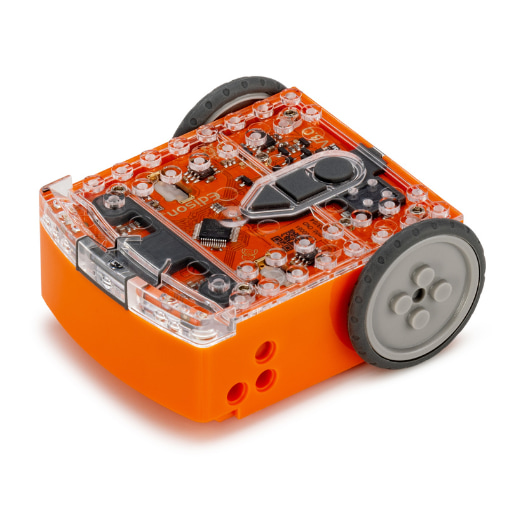
Your Edison V3 pilot robot
Start with screen-free activities, then bring your students’ first programs to life with a rechargeable, classroom-ready robot.
APPLY FOR YOUR PILOT ROBOTGive your students something they can code, build, and get excited about. Apply to try Edison before choosing robotics for your classroom.
For schools, libraries, and STEM programs considering robotics for 15+ students. Free pilot robots are available to selected educators.
A robot to explore. A plan to teach with. See what Edison could make possible for your students.
Start with screen-free activities, then bring your students’ first programs to life with a rechargeable, classroom-ready robot.
APPLY FOR YOUR PILOT ROBOT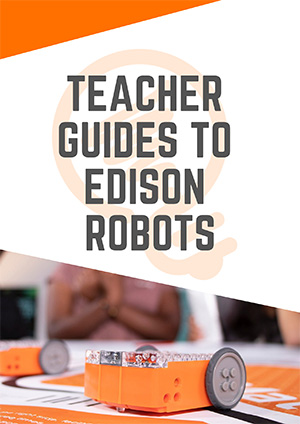
Explore Edison with student activities, free lesson resources, and a simple plan to help decide whether it fits your wider program.
EXPLORE THE LESSONSTry Edison with your students first, then choose the classroom pack that fits the way you teach.
One Edison V3 robot to evaluate with your students.
For selected educators exploring a wider rollout.
Free for selected educators
APPLY FOR A FREE PILOT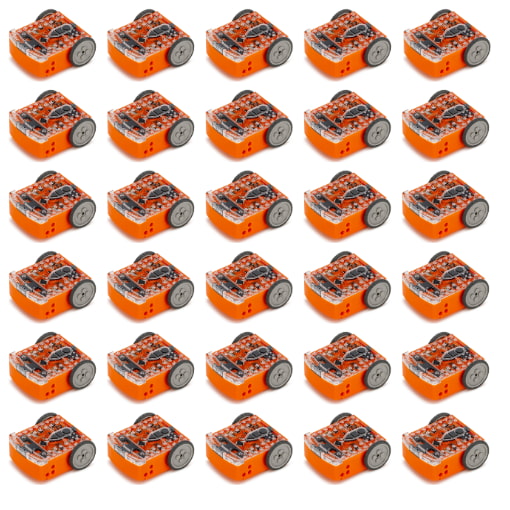
Robotics for your whole learning space.
Classroom bundles and bulk pricing available.
Get a quote for your school
EXPLORE CLASSROOM PRICING
Teaching beyond coding, from literacy to project-based learning.
“As fourth graders they were coding with EdPy.”
More than learning to code. Give students a way to experiment, solve problems, and make their ideas move.
Turn a sequence of instructions into a robot that moves, reacts, and follows a line.
Connect coding to measurement, science, engineering, and creative problem-solving.
Keep the same robot as students progress from their first program to text-based code.
Combine Edison with LEGO® bricks or EdCreate to tackle real design challenges.
Free lesson plans, teacher guides, and student worksheets for every programming language.
Rechargeable robots, free programming tools, and classroom packs that scale with your program.
Begin with a barcode. Or connect to the devices already in your classroom.
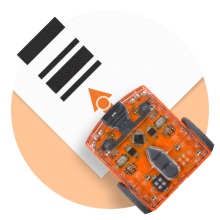
Scan a barcode to activate a built-in program. Explore line tracking, obstacle detection, and more before opening a computer.
No screen needed.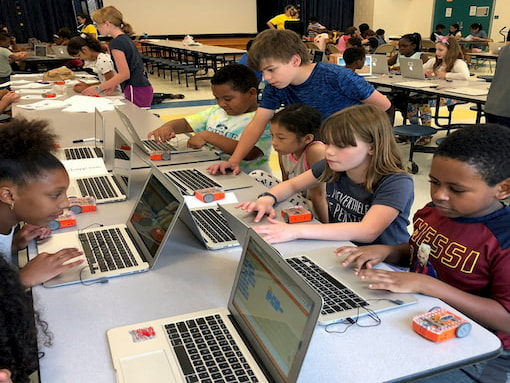
Use EdBlocks, EdScratch, or EdPy on compatible classroom devices. Edison V3 connects by USB, with screen-flash programming for iPads.
Free programming tools.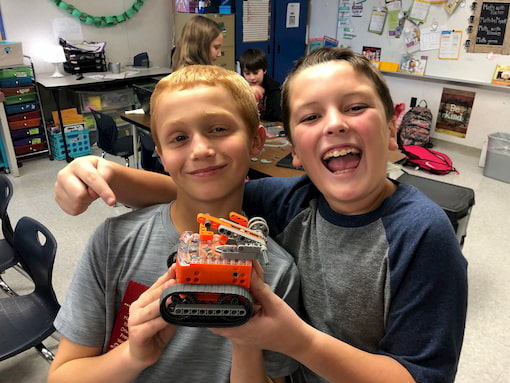
Start where your students are. Keep building their skills with Edison as their confidence grows.
Discover robot behaviors with simple, screen-free programs.
Arrange graphical blocks to create a first program.
Explore loops, variables, and more with drag-and-drop coding.
Move into text-based programming with Python.
Jumpstart your lessons with free teacher guides, student worksheets, and hands-on activities. Choose a starting point and make it your own.
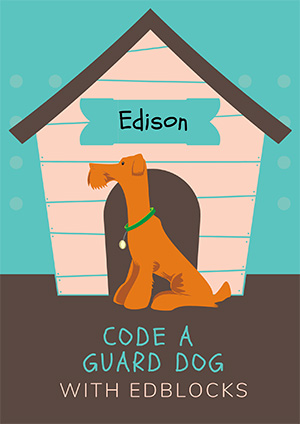
Explore sensors and decision-making with EdBlocks.
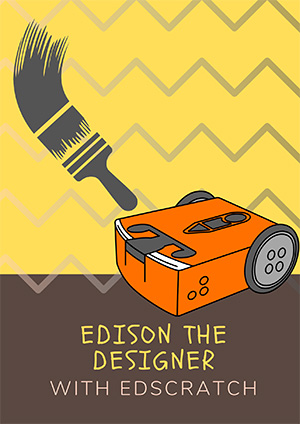
Use loops and movement to make a design with EdScratch.
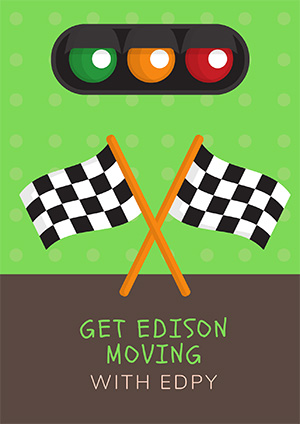
Write text-based programs that put Edison in motion.
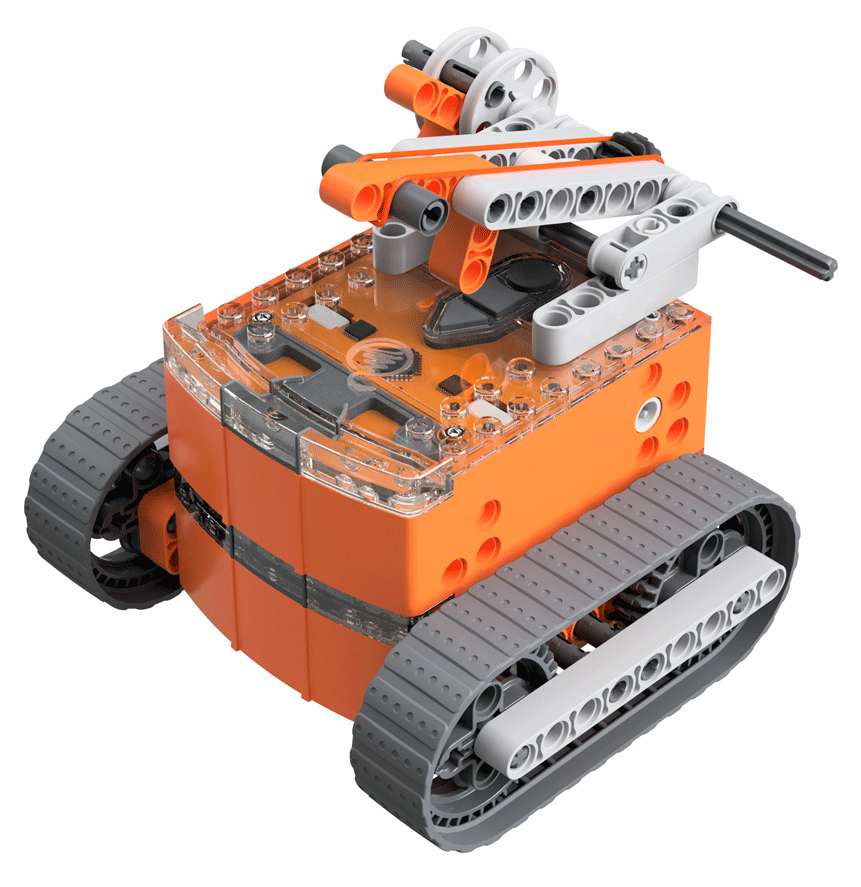
Combine robotics and engineering with an EdCreate build.
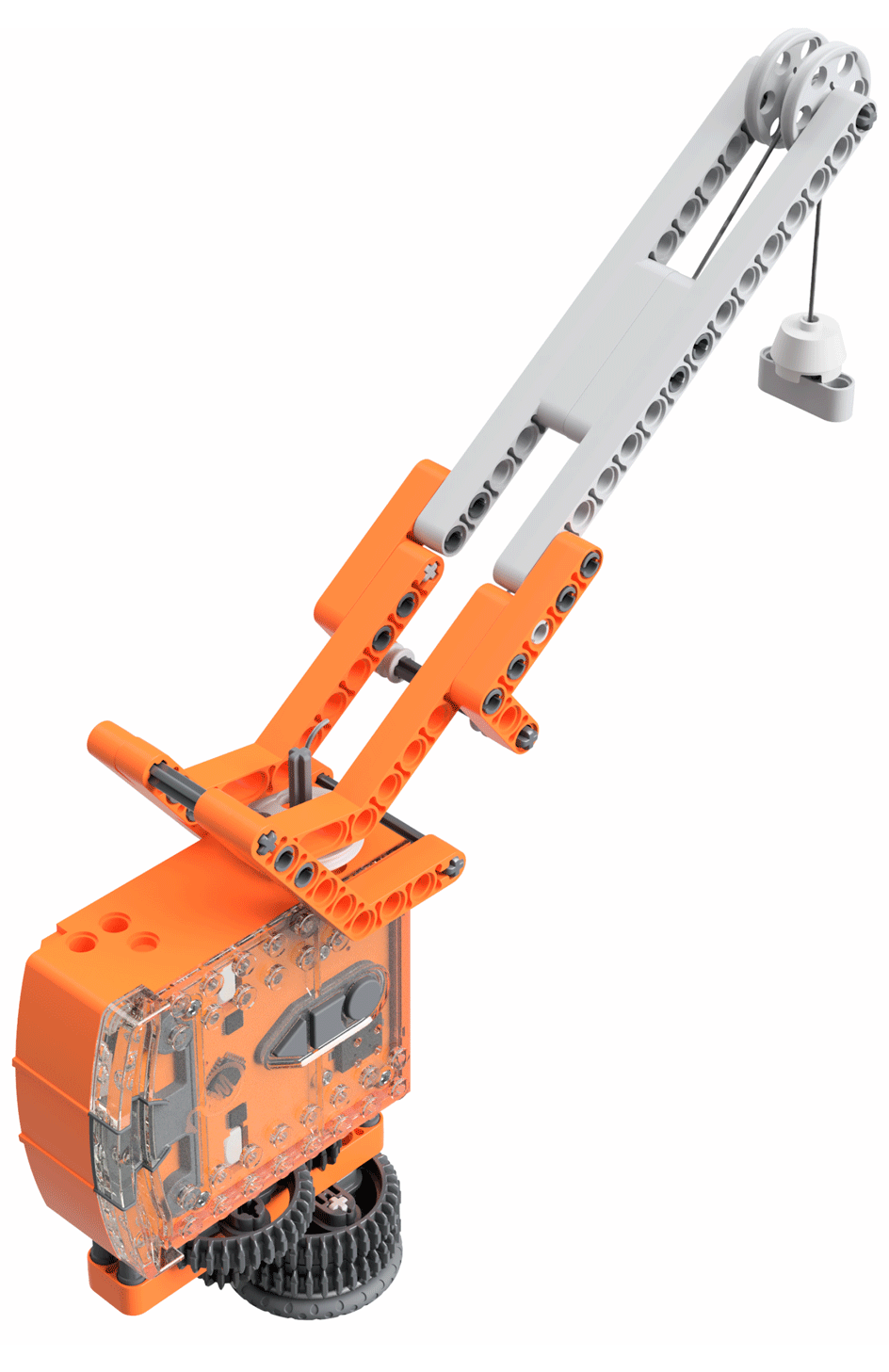
Build, control, and refine an EdCrane with EdCreate.
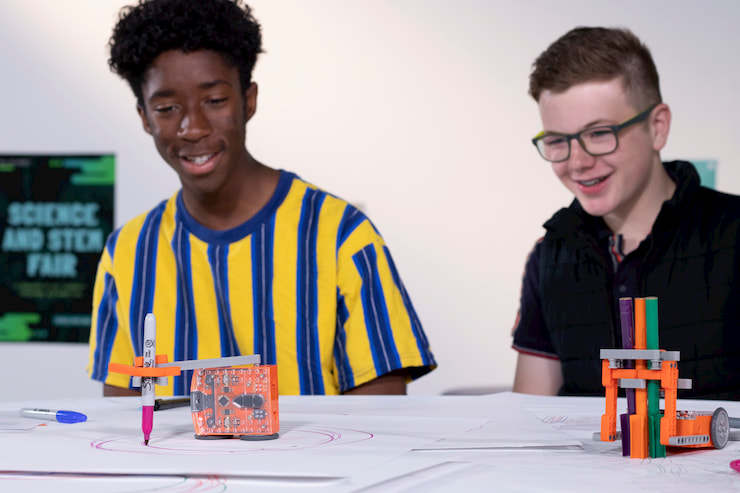
Invent a drawing robot and test your ideas.
Each Edison programming language comes with complementary teaching resources, including teacher guides and student activity sheets.
EXPLORE FREE TEACHING RESOURCESOpen up new projects with LEGO-compatible connection points and Edison accessories for engineering, drawing, and classroom charging.
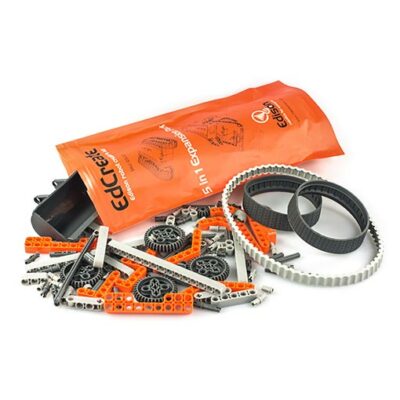
Turn coding into hands-on engineering.
Explore EdCreate ↗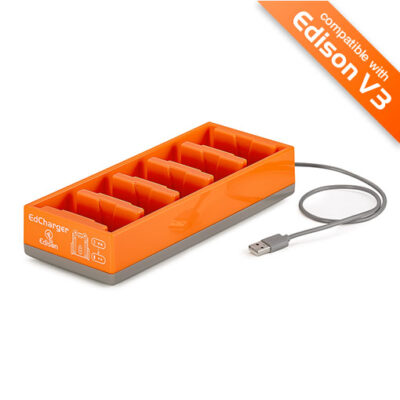
Recharge and organize your Edison V3 robots.
Explore EdCharger ↗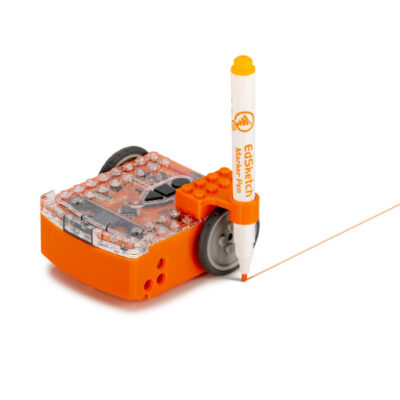
Bring movement, drawing, and math together.
Explore EdSketch ↗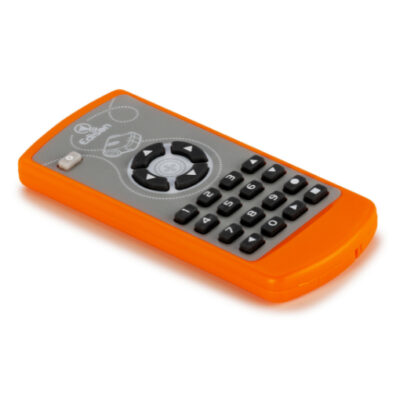
Explore remote control and robot behavior.
Explore EdRemote ↗Accessories are sold separately and are not included in the classroom pilot.
A pilot helps you test classroom fit. A class set helps you bring that experience to more students.
| Your next step | Classroom Pilot | Classroom purchase |
|---|---|---|
| Best for | Evaluating Edison with your students | Rolling out robotics across your program |
| Robots | One Edison V3 for selected educators | Classroom packs and bulk quantities |
| Teaching resources | Free lessons + evaluation plan | Free lessons and teacher guides |
| Programming tools | Free EdBlocks, EdScratch, and EdPy | Free EdBlocks, EdScratch, and EdPy |
| How to begin | Apply for the pilot | Request a school quote |
This proposed pilot is for Texas educators at schools, libraries, and STEM programs considering robotics for 15 or more students. Applications are reviewed, and selected educators receive a pilot robot. Applying does not guarantee selection.
Selected educators receive one Edison V3 robot, a classroom evaluation plan, student activities, and free teaching resources to help assess Edison before considering a wider classroom purchase.
You can start with screen-free barcode activities, then use EdBlocks for graphical programming. Free teacher guides and student worksheets help you build lessons as you and your students progress.
Edison V3 supports browser-based programming on Windows, Chromebook, Mac, Linux, and compatible Android devices. USB programming requires a WebUSB-compatible browser such as Chrome or Edge. iPads use screen-flash programming. Check the Edison V3 getting-started guide for your device and chosen language.
EdBlocks, EdScratch, and EdPy are free to use. Edison also provides free teaching resources, including lesson plans, teacher guides, and student activity sheets.
Yes. Edison offers classroom packs and bulk pricing, and supports educators with quotes and information for school purchasing approval. You can request a classroom quote through the Edison purchasing guide.
Yes. Edison has connection points compatible with LEGO bricks. EdCreate is a separate construction kit for guided engineering builds and open-ended projects.
Use the robot and evaluation resources to assess classroom fit. If Edison suits your students, the next step is to request a class-set quote and discuss purchasing with your school. Pilot selection and delivery arrangements will be confirmed by the Edison team.
Considering robotics for 15 or more students? Tell us a little about your program to apply for a free Edison V3 pilot robot.
Applications are reviewed. Selected educators receive a robot and classroom evaluation resources.
You’ve reached the end of the flow. No application has been sent.
In the live version, this is where educators would receive confirmation and details about the review process.
From a first barcode to a first Python program, Edison helps your students turn curiosity into something they can build.
APPLY FOR A FREE CLASSROOM PILOT